Wanmine Family Calendar
Plan smarter, live fuller. One shared screen for schedules, chores, meals, lists, and family messages — synced with the calendars you already use.
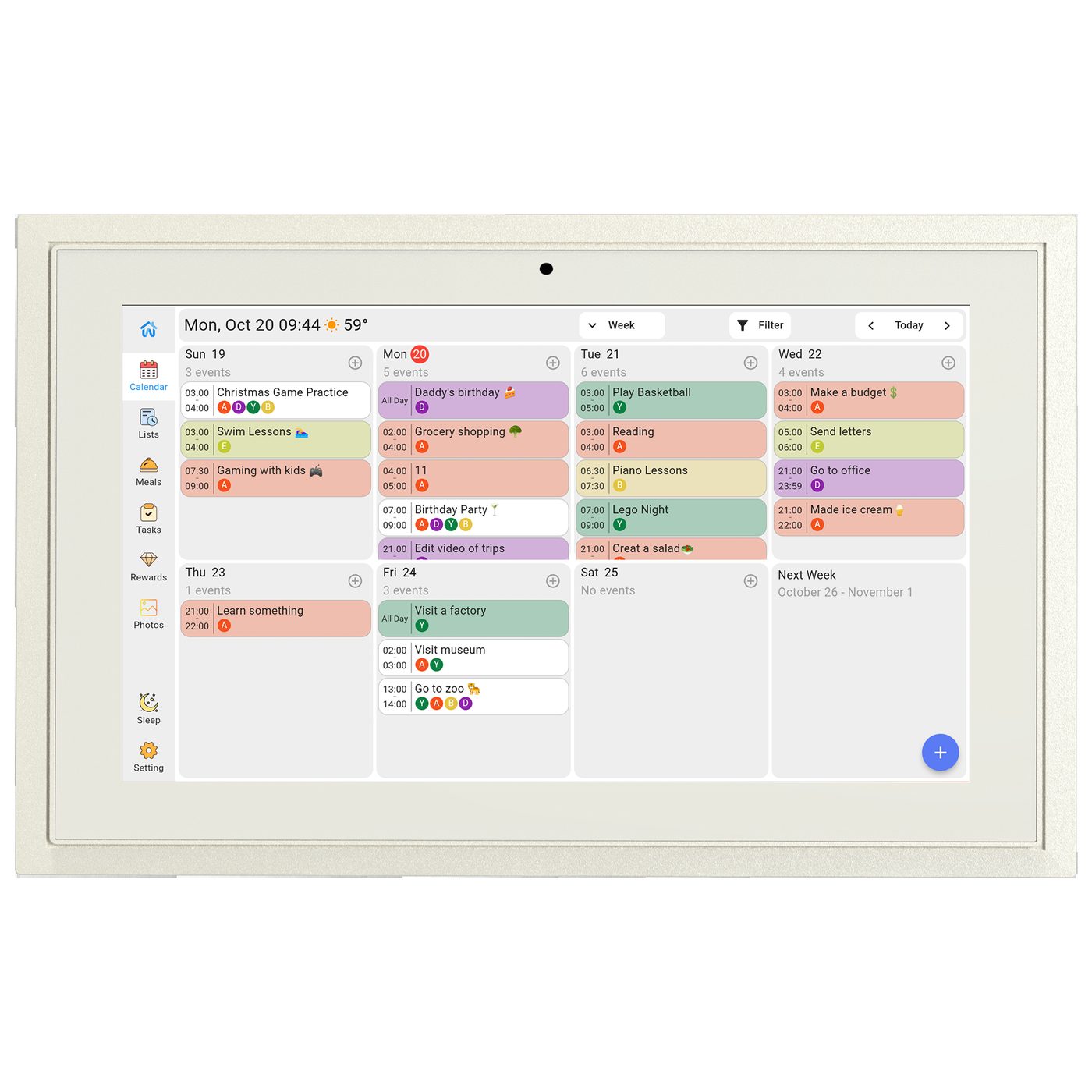
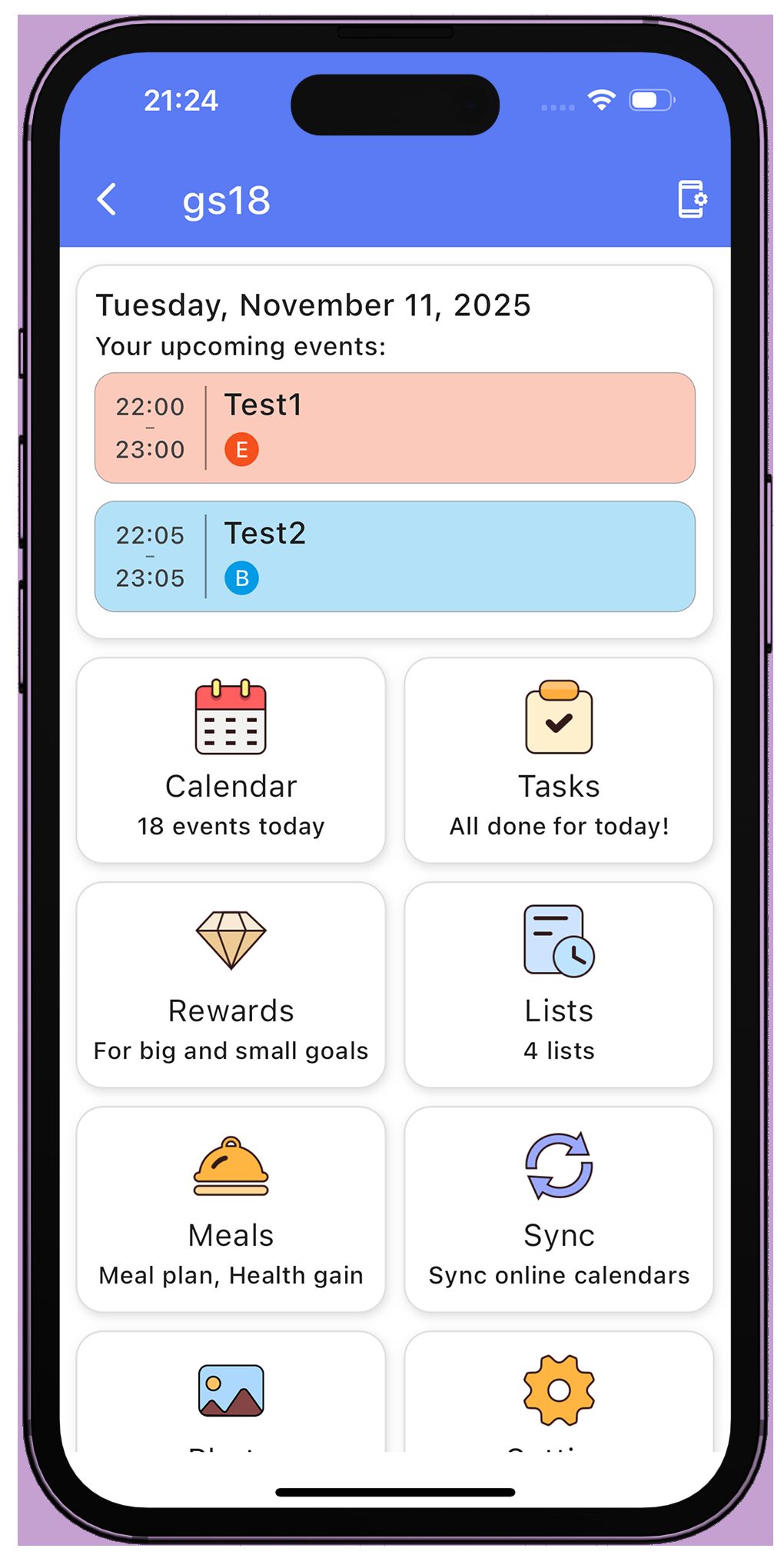
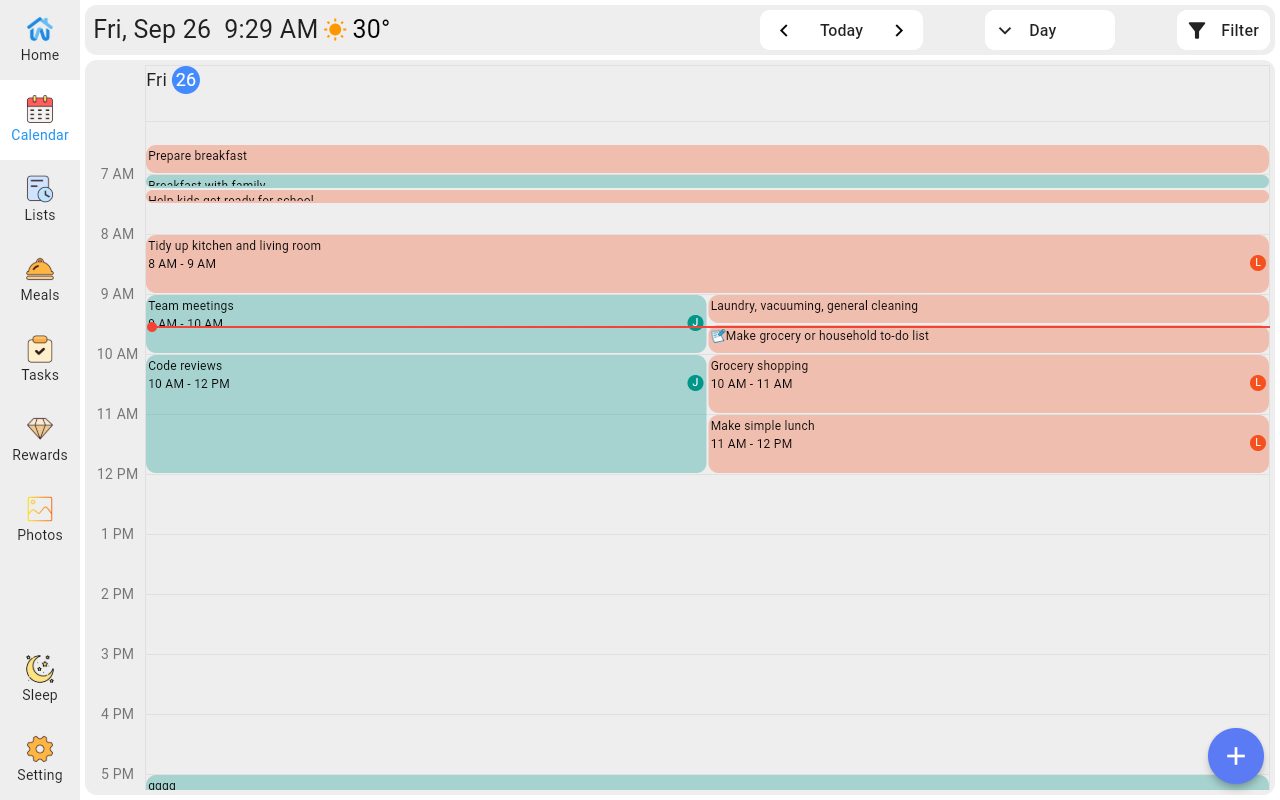
Everything your family coordinates — without the chaos.
We keep listening to our users and ship new features automatically. No extra work needed.
Syncs with what you already use
Google, iCloud, Outlook, Yahoo, Cozi — or any calendar URL. Changes flow both ways with Google.
Built for the whole family
Groups, roles, and shared schedules. Everyone sees the same week — on screen and on phone.
Chores become a game
Assign tasks, set diamond points, and let kids redeem real rewards you define.
Meals, lists, photos, notes
Plan dinners, keep shared lists, play photos, and leave messages on screen.
Kid-safe by design
Parental lock protects settings and content. Sleep mode keeps nights quiet.
Weather & map links
Local weather in the header. Add a location to any event and tap through to the map.
One system, every family need.
Calendars
Day, week, month, and schedule views on device. Recurring events, event locations with map links, and a Today button to jump back instantly.
Tasks & Routines
Timed, all-day, anytime, and rollover chores — plus recurring routines for daily habits.
Rewards
Diamond points earned from tasks, redeemed for rewards you create. Cancel a redemption and points come back.
Meals & Recipes
Build a recipe box in the app, then drop recipes into weekly meal plans — visible on the device too.
Lists
Unlimited shared lists with colors and sub-items, synced between device and app.
Photos & Messages
Upload photos from your phone and play them in slideshow. Leave family messages on the home screen.
The details that matter day to day.
Wanmine works over Wi-Fi, keeps device and app in sync, and receives feature updates automatically.
| Companion app | Free — iOS (App Store) & Android (Google Play) |
|---|---|
| Calendar sync | Google (1-way / 2-way), iCloud, Outlook, Yahoo, Cozi, Calendar URL (webcal/ics) |
| Family groups | Admin approval, group code (24h validity), member colors |
| Device pairing | 8-digit device code, 24h validity, auto-rotate |
| Views | Day (1–7 days), Week, Month, Schedule · pinch to zoom |
| Task types | Timed / All-day / Anytime / Late rollover · Routines |
| Parental lock | Selective protection + auto-lock delay |
| Sleep mode | Manual + scheduled |
| Weather | Live local weather in header, °C / °F |
Straight answers.
How do I sync my iCloud calendar?
Does Google sync include tasks?
What happens when a device code expires?
Is the app free?
How do I clean the screen?
Ready to get the week under control?
Talk to us about Wanmine for your home — or ask about volume orders for retail.